Solutions / Manufacturing and quality
Production run automation
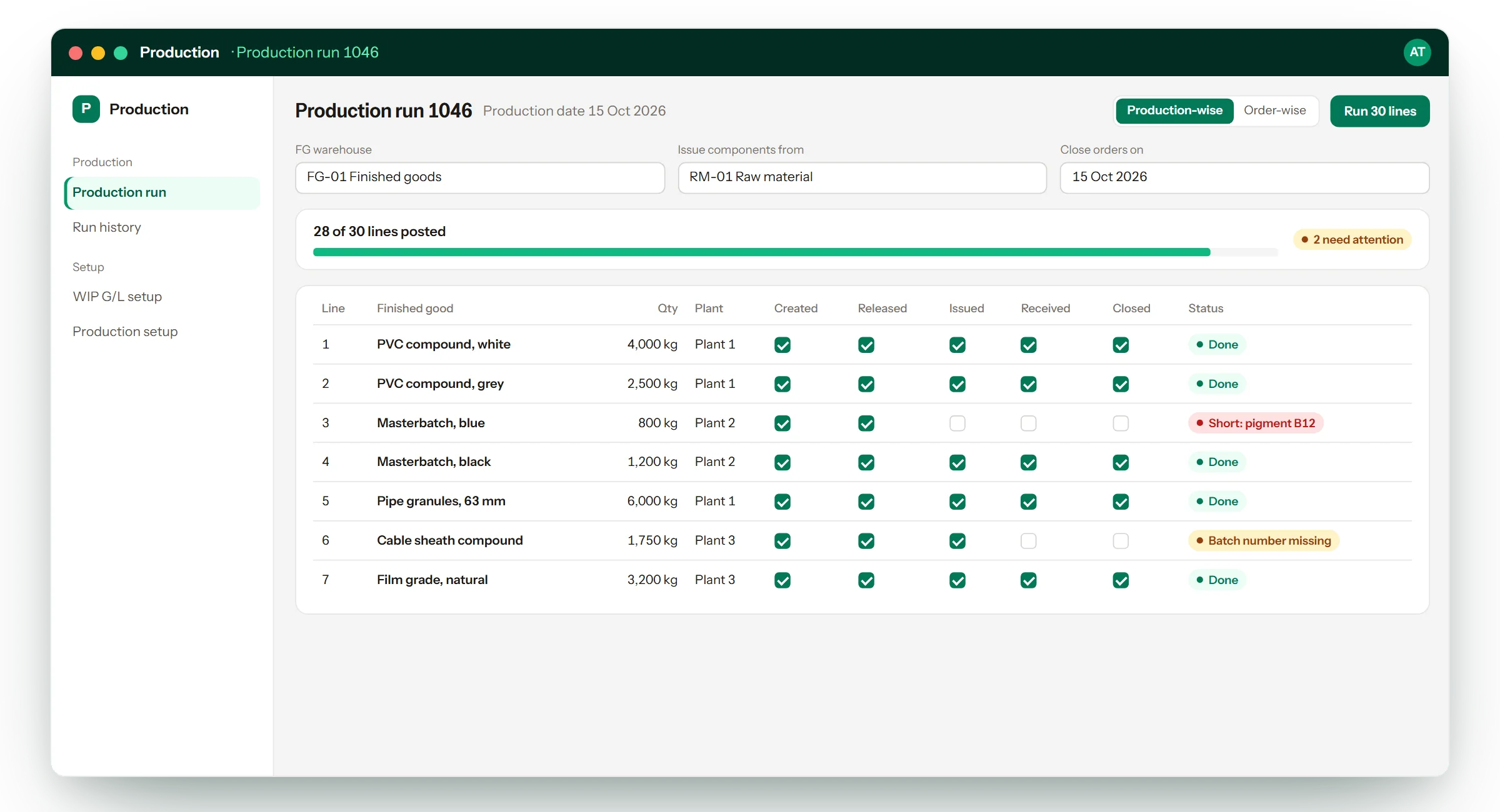
One screen where you enter a production date and the list of finished goods made, press one button, and the add-on runs the whole SAP chain for every line: create the production order, release it, issue the components, receive the finished good and close the order.
The problem it solves
Recording one day’s production in standard SAP Business One means walking through five screens per finished good. With dozens of products a day, production is recorded late, in a hurry, or not in full, and the stock and cost figures are wrong until it is.
What it does
- Creates, releases, issues, receives and closes production orders in one run
- Standard and disassembly production
- Work-in-progress posted to the right G/L account for each plant
- Production-wise mode carries on past a failed line; order-wise mode holds the lines behind it
- Every line shows which steps posted and, if one failed, why
- Warehouses and accounts remembered from the last run, so a routine day needs little typing
What changes for the business
- A day’s production is recorded the same day, in minutes
- Stock and production cost are current, not a week behind
- Mistakes are shown on the line they happened, instead of found at month end
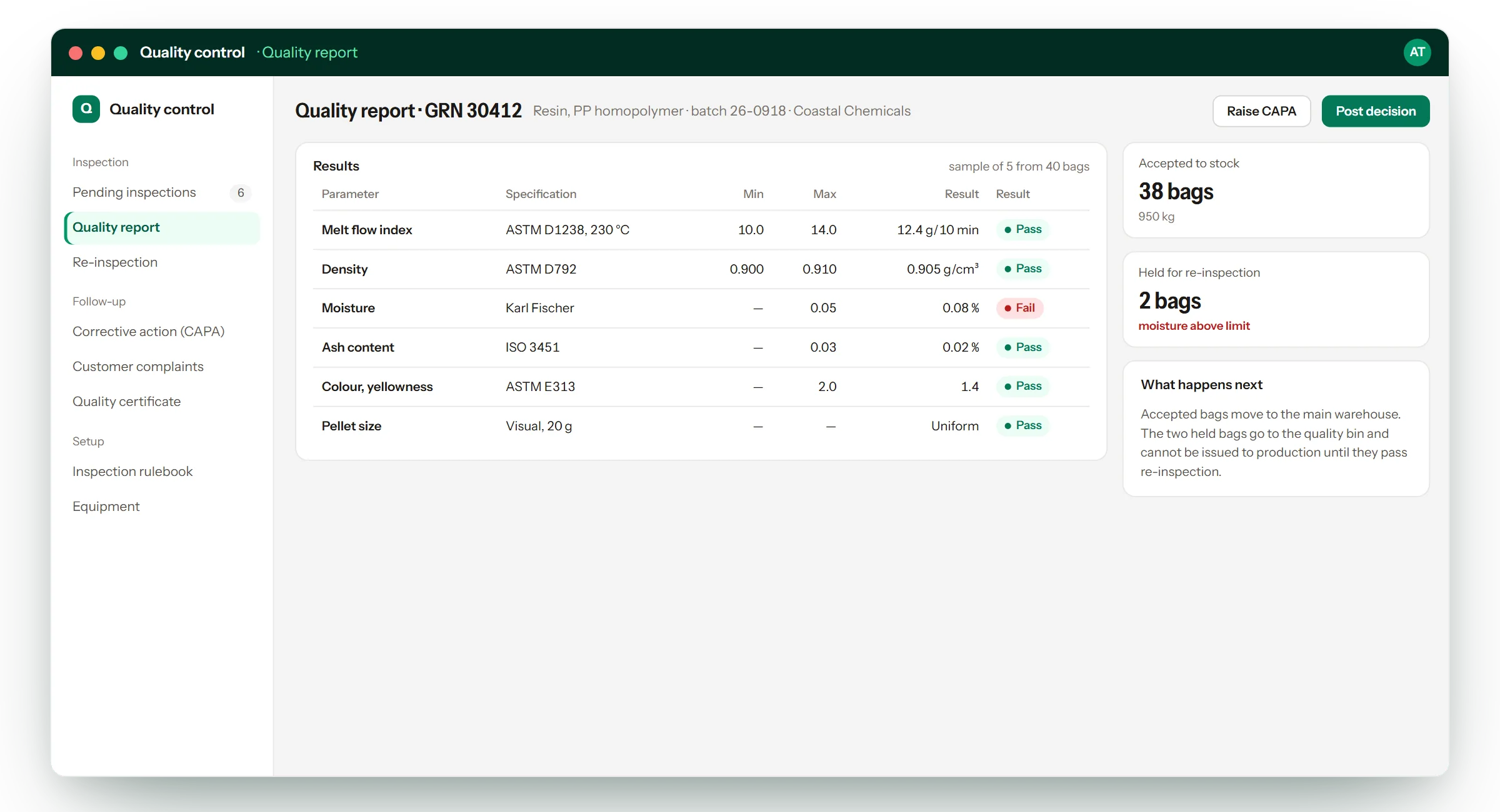
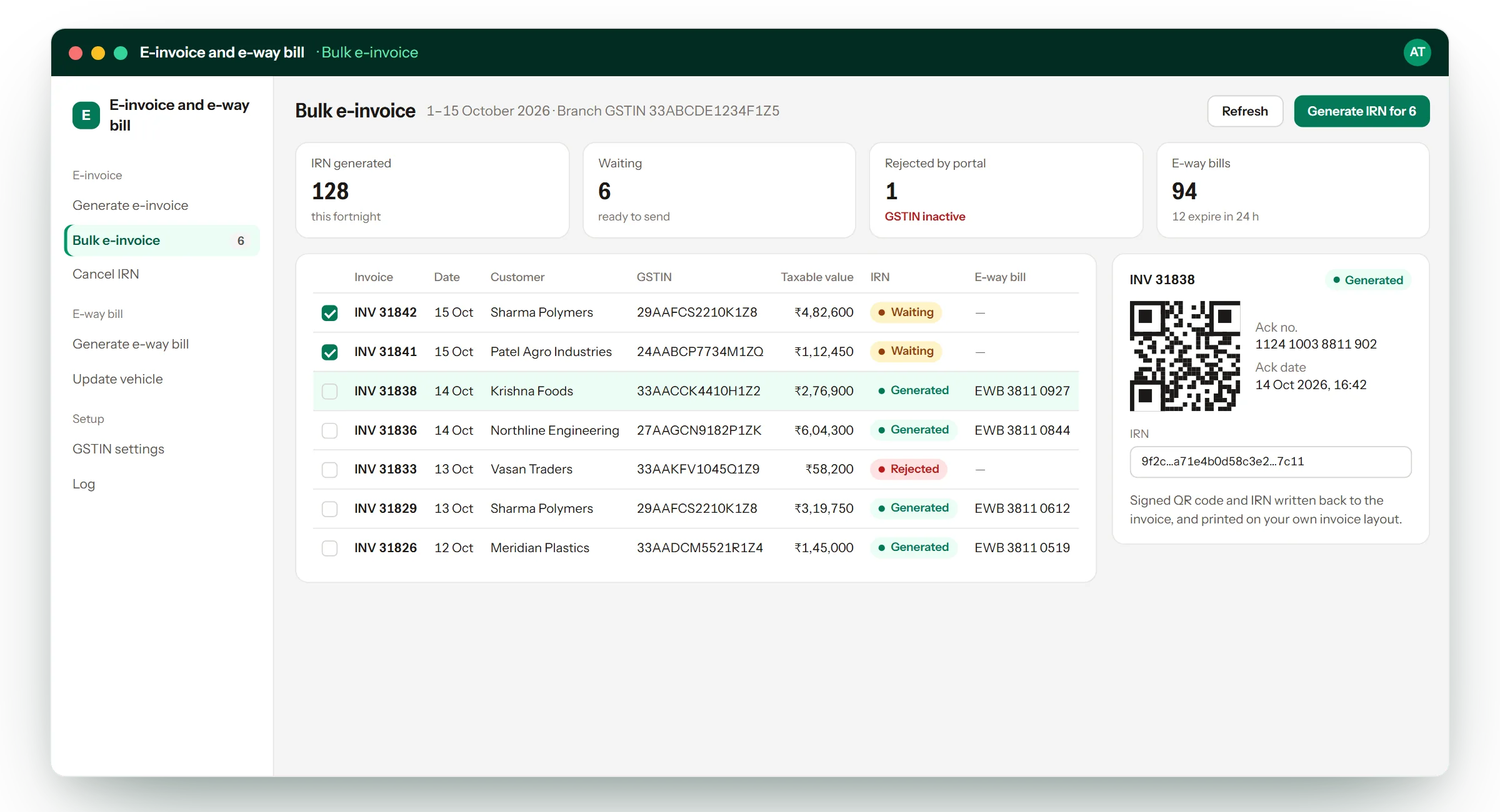
Related solutions
All fourteen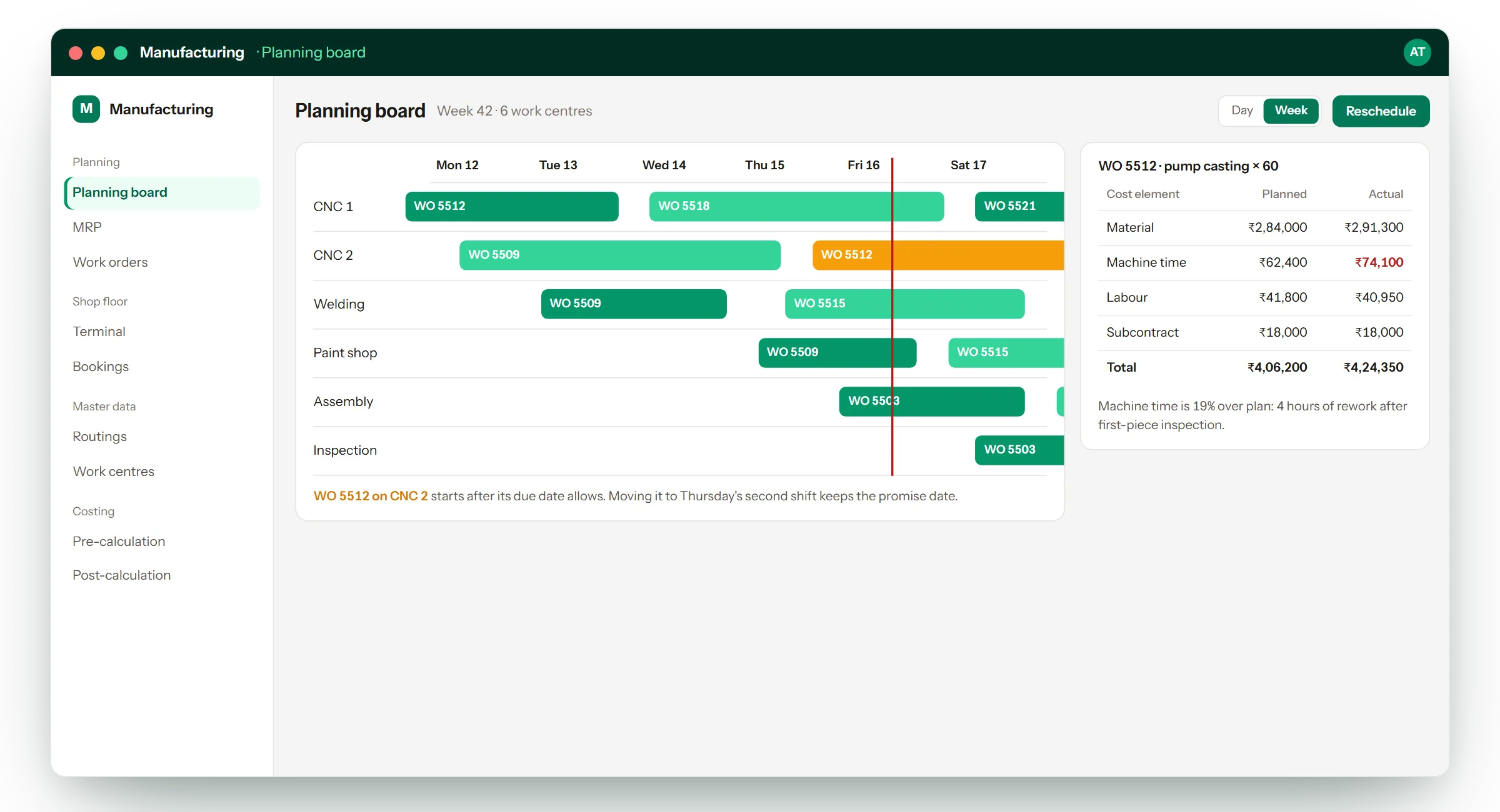
See it working.
Ask for a demo of Production run automation and we will walk you through it on a sample company — and tell you honestly whether it fits how you work.